AutoTuner Tool

Flash Methods and Vehicle Compatibility

Use your AutoTuner by

Bench Method

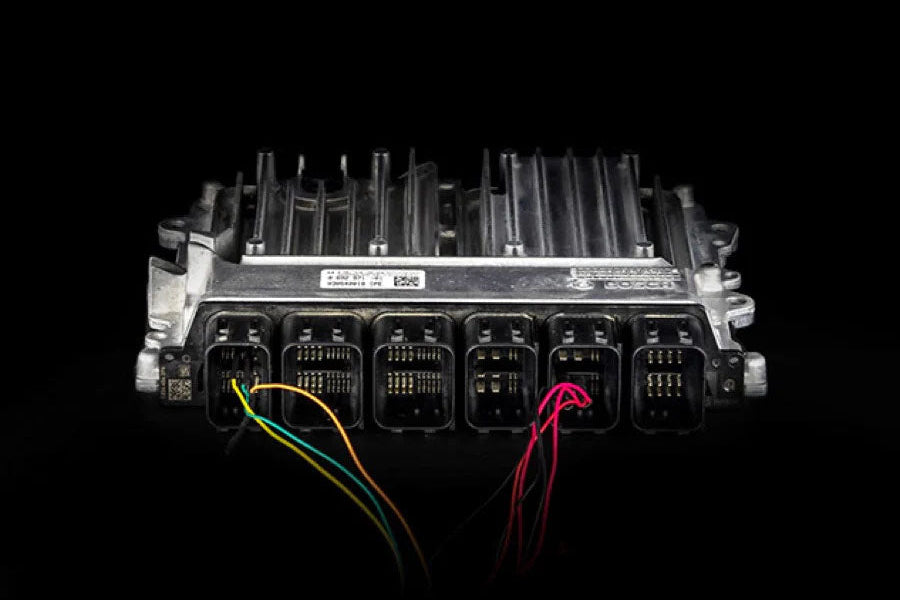
Reading and writing is performed over the controller's harness connection point.
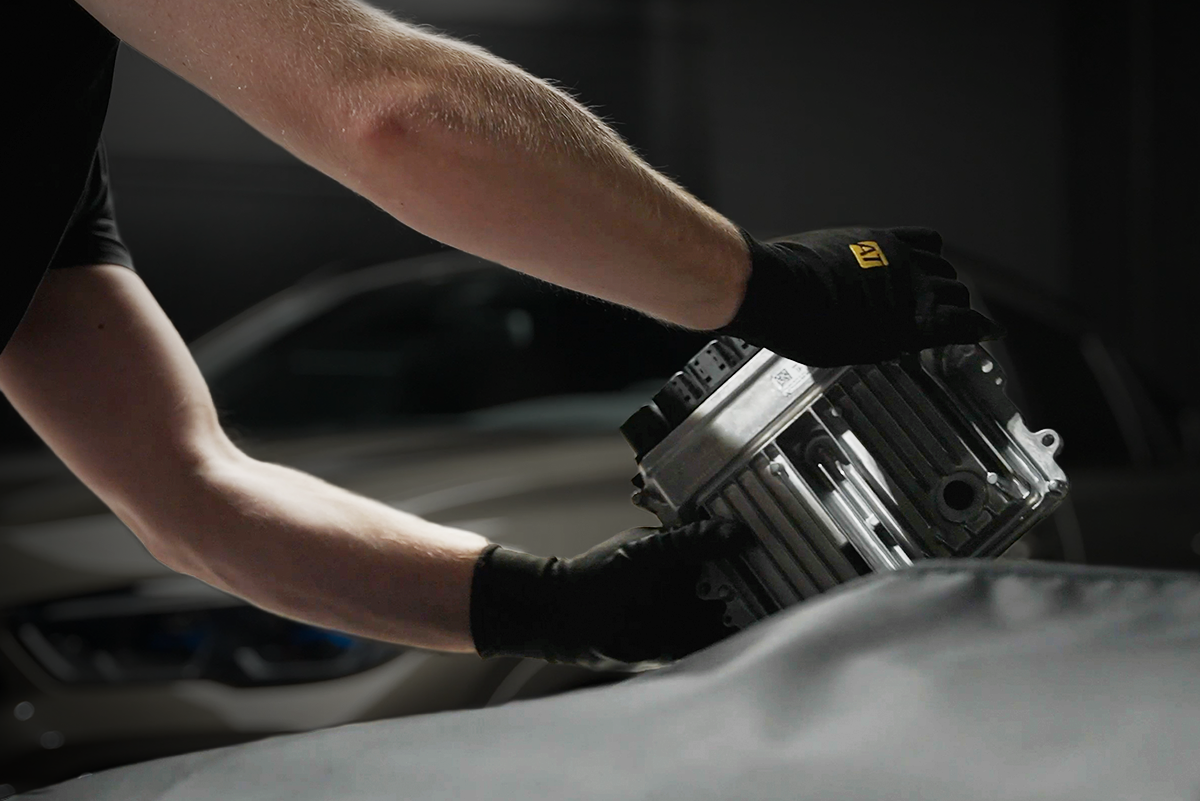
  1. Remove the controller, but don't open the case. Note: Some TCUs will stay in the vehicle.
  2. Pin out the connector with our universal harness or use our plug-and-play harnesses
  3. Read and write!
See Beta Protocols

Use your AutoTuner by

Bench Method (BETA)

Reading and writing is performed over the controller's harness connection point.

1. Remove the controller, but don't open the case. Note: Some TCUs will stay in the vehicle.

2. Pin out the connector with our universal harness or use our plug-and-play harnesses

3. Read and write!

⚠️ Protocol currently under development only available to beta testers.

See non-Beta Protocols

Use your AutoTuner by

OBD Method

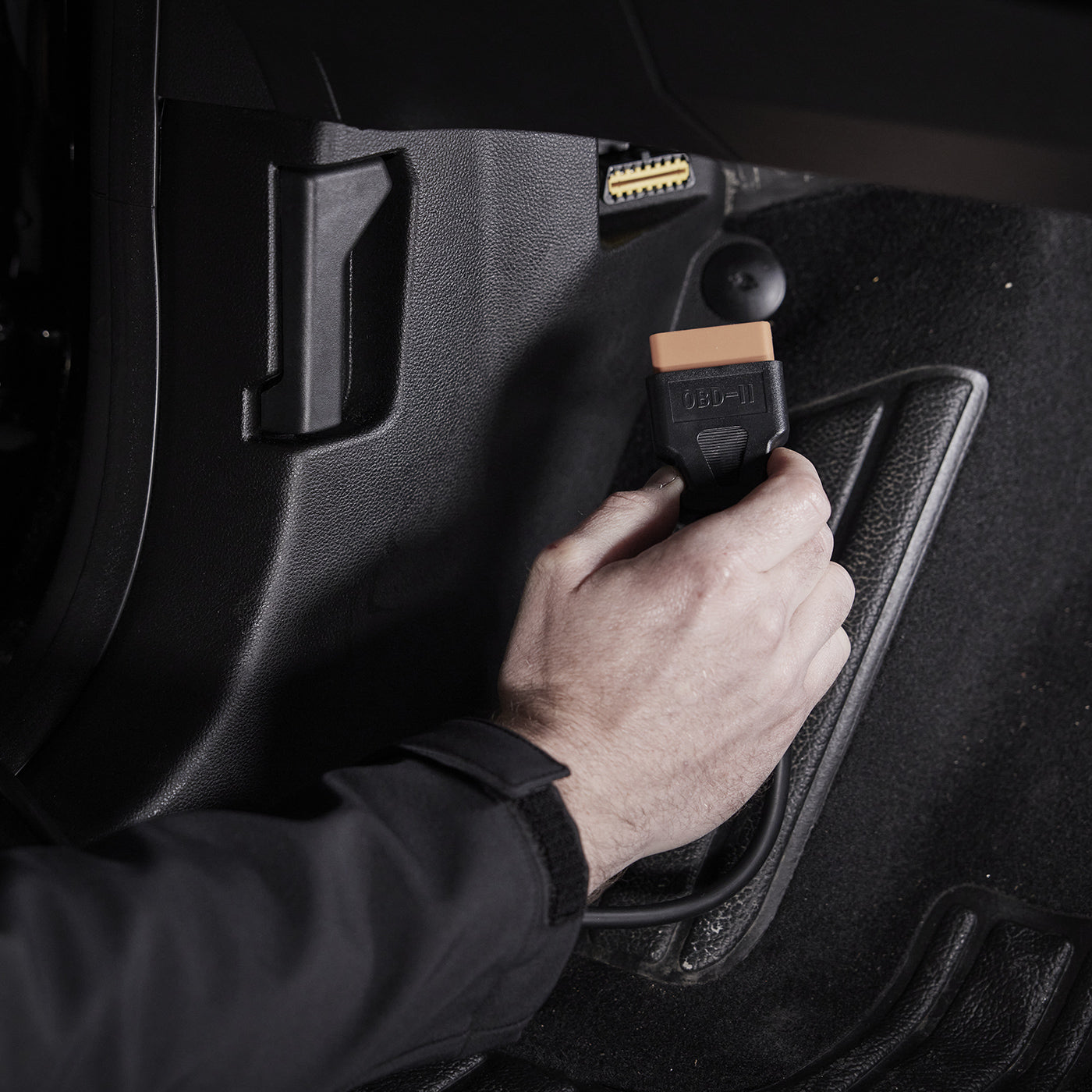
Read and write via the OBD diagnostic socket.

1. Connect the tool to the OBD diagnostic socket

2. Turn ignition on

3. Read and write!
See beta protocols

Use your AutoTuner by

OBD Method (Beta)

Read and write via the OBD diagnostic socket.

1. Connect the tool to the OBD diagnostic socket

2. Turn ignition on

3. Read and write!

⚠️ Protocol currently under development only available to beta testers.

Use your AutoTuner by

Boot Method

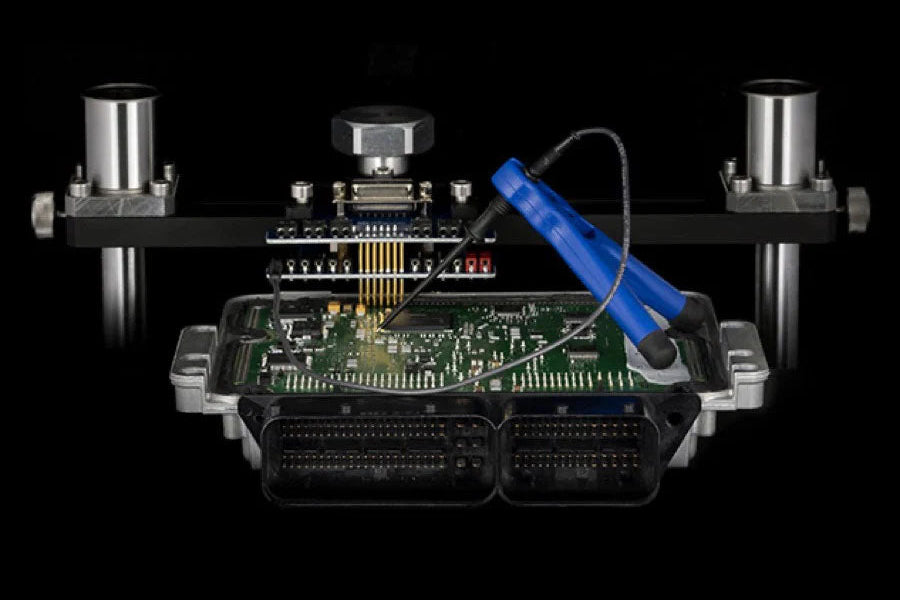
This method requires to open the controller. The connection is made on the printed circuit board (PCB).

1. Remove the controller

2. Open the case & connect to specific points

3. Read and write!

See beta protocols

Use your AutoTuner by

Boot Method (Beta)

This method requires to open the controller. The connection is made on the printed circuit board (PCB).

1. Remove the controller

2. Open the case & connect to specific points

3. Read and write!

⚠️ Protocol currently under development only available to beta testers.

See non-beta protocols

Use your AutoTuner by

OBD Unlock Patch via Bench Method

OBD reading/writing is unlocked by flashing over the controller's harness connection point.

  1. Remove the controller, but don't open the case. Note: Some TCUs will stay in the vehicle.
  2. Pin out the connector with our universal harness or use our plug-and-play harnesses
  3. Apply the patch to unlock OBD reading/writing
See beta protocols

Use your AutoTuner by

OBD Unlock Patch via Bench Method (Beta)

OBD reading/writing is unlocked by flashing over the controller's harness connection point.

  1. Remove the controller, but don't open the case. Note: Some TCUs will stay in the vehicle.
  2. Pin out the connector with our universal harness or use our plug-and-play harnesses
  3. Apply the patch to unlock OBD reading/writing

⚠️ Protocol currently under development only available to beta testers.

See non-beta protocols

Use your AutoTuner by

OBD Unlock Patch via Boot Method

OBD reading/writing is unlocked by flashing in boot mode.

1. Remove the controller

2. Open the case & connect to specific points

3. Apply the patch to unlock OBD reading/writing

See beta protocols

Use your AutoTuner by

OBD Unlock Patch via Boot Method (Beta)

OBD reading/writing is unlocked by flashing in boot mode.

1. Remove the controller

2. Open the case & connect to specific points

3. Apply the patch to unlock OBD reading/writing

⚠️ Protocol currently under development only available to beta testers.

See non-beta protocols

Use your AutoTuner by

Boot Unlock Patch via OBD Password Reading

Boot reading and writing is made possible by reading the password via OBD.

1. Connect the tool to the OBD diagnostic port

2. Turn ignition on

3. Read the ECU password in OBD
See beta protocols

Use your AutoTuner by

Boot Unlock Patch via OBD Password Reading (Beta)

Boot reading and writing is made possible by reading the password via OBD.

1. Connect the tool to the OBD diagnostic port

2. Turn ignition on

3. Read the ECU password in OBD

⚠️ Protocol currently under development only available to beta testers.

See non-beta protocols

Use your AutoTuner by

Bench Method (After Mail-In Unlock)

The Bench Method is enabled after mailing your ECU to our headquarters for for an unlock.

1. Order the unlock and mail us the ECU

2. We'll unlock and ship it back

3. Read and write via the Bench Method

See OBD Method after Mail-In Unlock Protocols

Use your AutoTuner by

OBD Method (After Mail-In Unlock)

The OBD Method is enabled after mailing your ECU to our headquarters for for an unlock.

1. Order the unlock and mail us the ECU

2. We'll unlock and ship it back

3. Read and write via the OBD Method

See Bench Method after Mail-In Unlock Protocols

Use your AutoTuner for

Datalogging

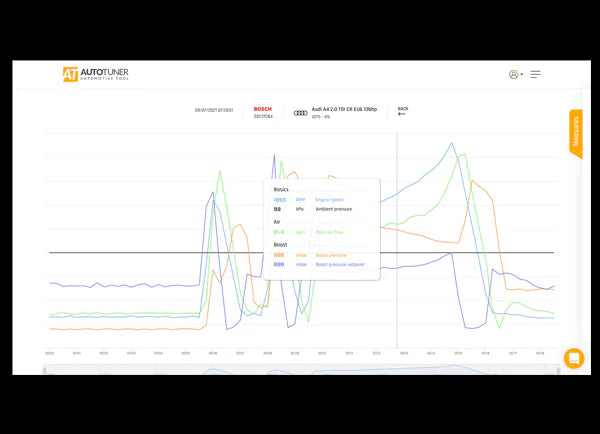
Real-time measurement and recording of engine parameters via OBD diagnostic port. The connection is made via the OBD port, then simply start the test to record the data. You can then view the graph online.

1. Connect via OBD and select the vehicle

2. Start and stop recording datalogs

3. Analyze and share online via the AT Cloud

See beta protocols

Use your AutoTuner for

Datalogging (Beta)

Real-time measurement and recording of engine parameters via OBD diagnostic port. The connection is made via the OBD port, then simply start the test to record the data. You can then view the graph online.

1. Connect via OBD and select the vehicle

2. Start and stop recording datalogs

3. Analyze and share online via the AT Cloud

⚠️ Protocol currently under development only available to beta testers.

See non-beta protocols

AutoTuner Tool

Browse All Methods

OBD

After bench patch

OBD

After boot patch

OBD

After mail-in unlock

Bench

After mail-in unlock

Boot

After OBD password

Datalogging

AutoTuner Tool

All the features you need in a powerful tool with free updates,
that's AutoTuner.

Discover now