Dear Users,
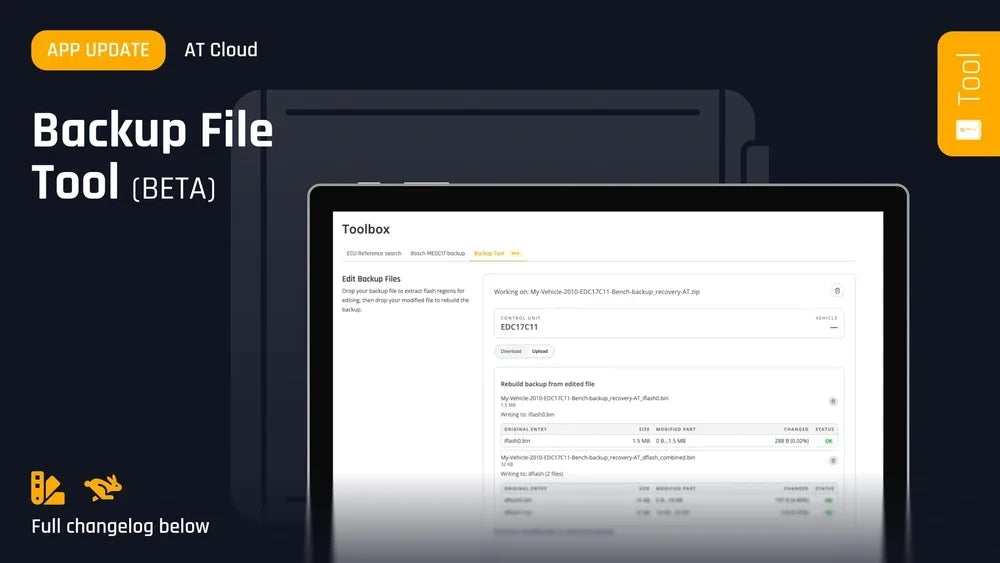
You upvoted it on Upvoty, we discussed it with our official dealers at our APEX event last June, and now it's finally here! We are excited to announce the official BETA launch of the Backup File Tool, now available to the entire community on AT Cloud.
Say goodbye to tedious manual file handling: no more unzipping, combining, splitting, renaming, or re-zipping backup files by hand. The new tool makes the whole process effortless.
💡 How it works: A streamlined 3-step workflow
- Extract: Drag and drop your backup file onto the dedicated AT Cloud page. Select the exact part you need (full EEPROM or full file) and download it instantly.
- Edit: Make the custom changes you need. (Please note that checksum calculation still needs to be performed manually).
- Repack: Once your edited file is ready and checksummed, drag and drop it back into the tool. It automatically generates a new, ready-to-write backup file.
That's it, a faster, cleaner, and smarter way to work with your backups.
🧪 Try the BETA & Share Your Feedback!
The tool is live right now in BETA stage on AT Cloud. Give it a try during your daily work and let us know what you think, your field feedback is key to helping us fine-tune this feature!
AT Team