
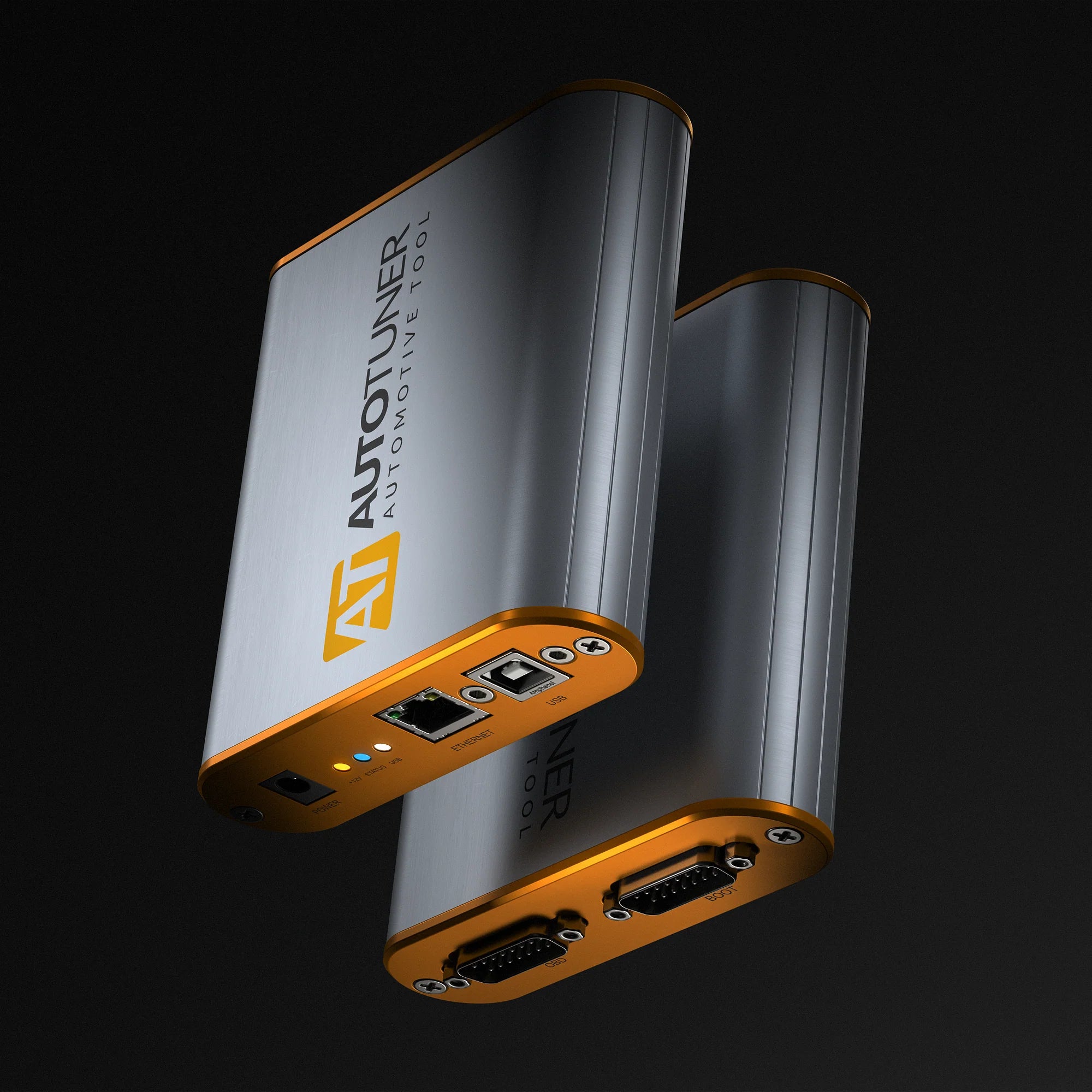
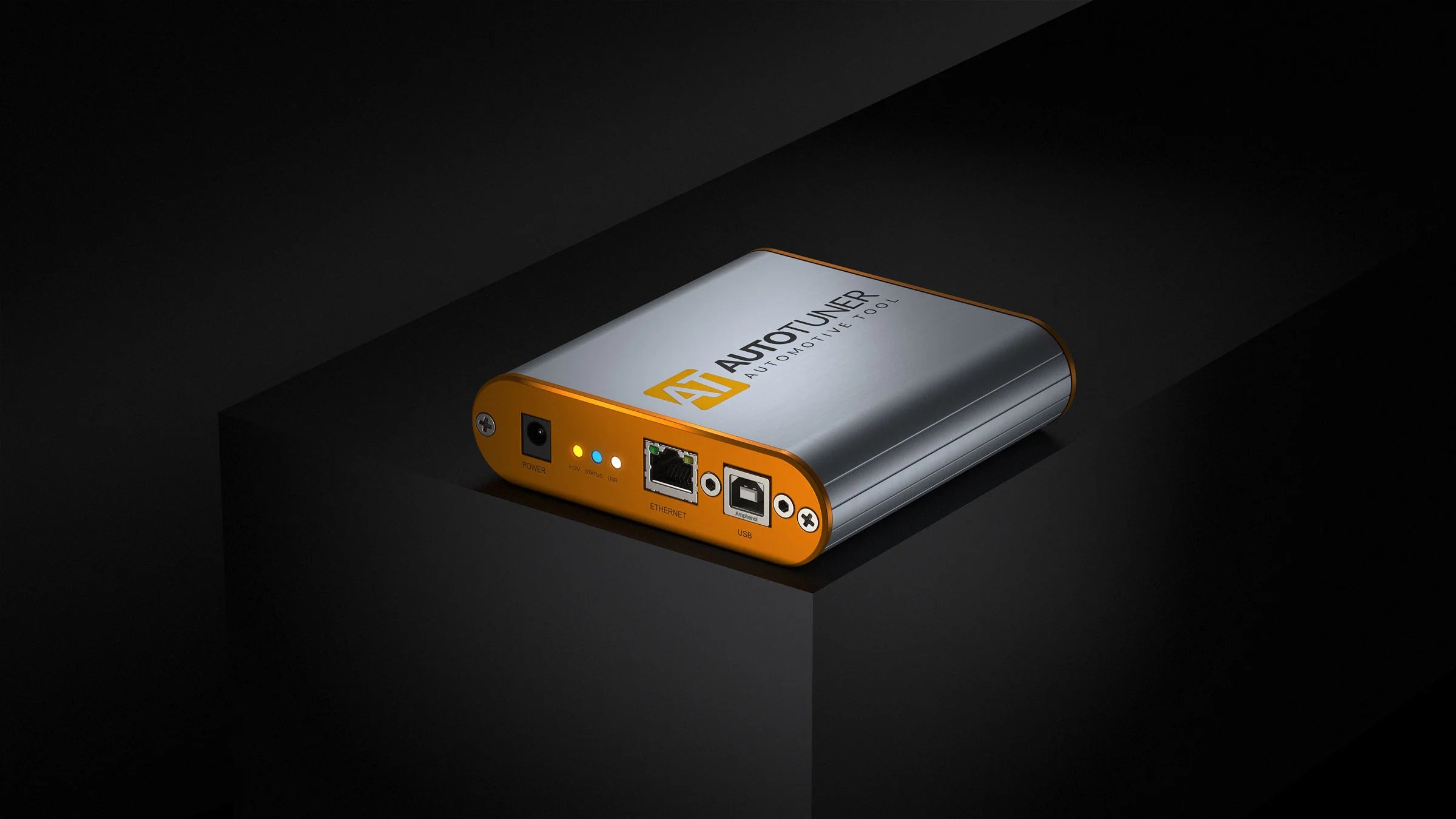
The AutoTuner Tool is a universal ECU and TCU programming and diagnostic tool built for professional tuners. It reads, writes, and unlocks modern engine and transmission controllers through OBD, Bench, and Boot, covering thousands of vehicles on land and water from the world’s leading manufacturers.
There are no subscriptions, no credits, no feature locks, and any editing software that supports binary file can be used. You own the tool, you own your files, you constantly receive free updates, and get new vehicle coverage as it is released. Every required cable and adapter is included.
Choose Master to flash your own files, or Slave to flash a specific Master’s files.
This is professional-grade tuning without limitations. It’s total freedom developed by tuners for tuners.
Get it quickly with no surprise European tariffs at delivery!
You can mention the Master tool ID to which your Slave tool should be linked during checkout.
 Fast and secure shipping with UPS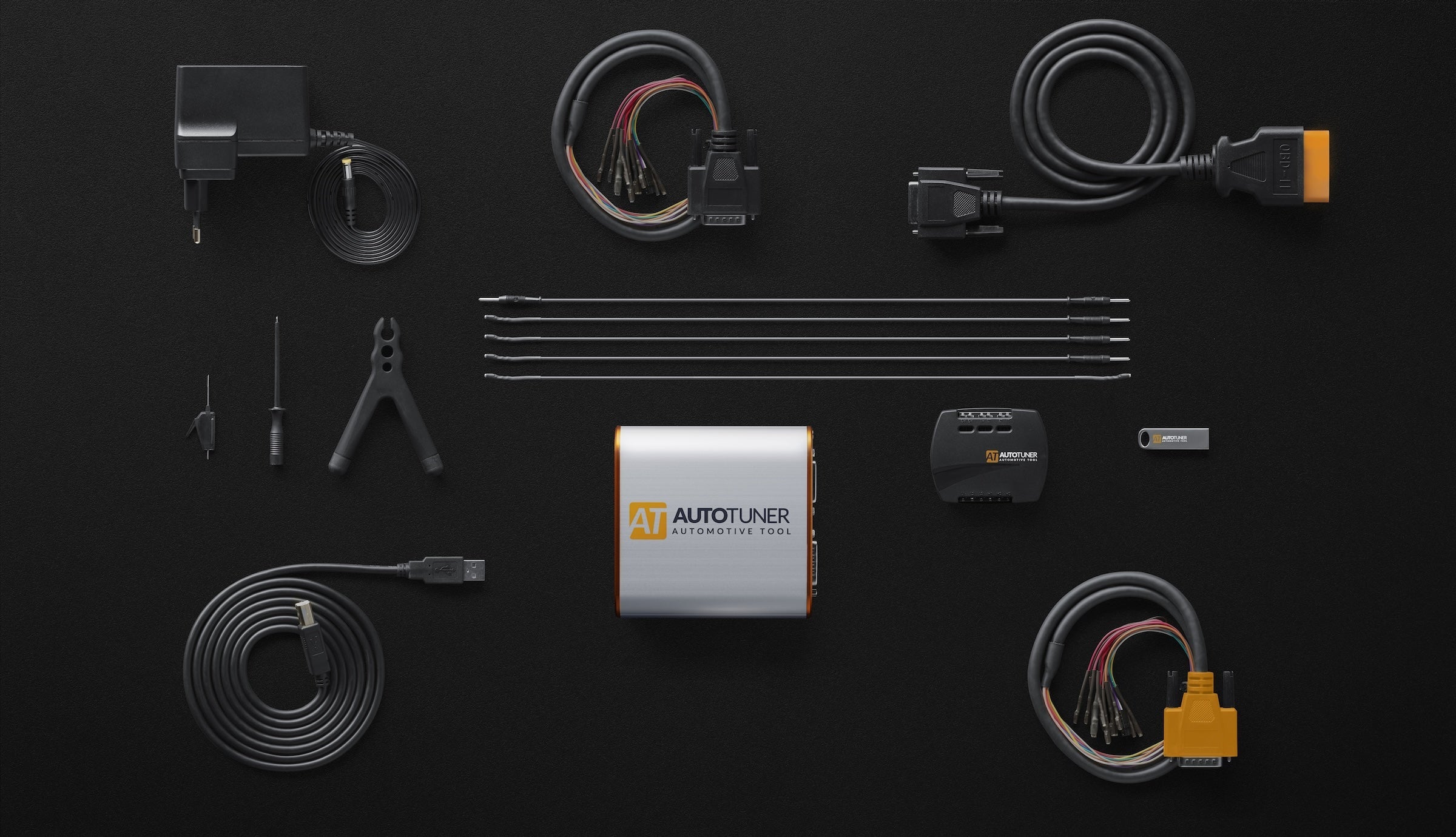
AutoTuner Tool
AutoTuner in a nutshell? No subscription. Free updates. All accessories included in your case for an easy and intuitive use.
Tune, Datalog, and Scan
Every controller is different, but the AutoTuner Tool is universal. It supports multiple ways to read and write to an Engine Control Unit (ECU) or Transmission Control Unit (TCU), datalog, scan/clear fault codes, and Special Operations such as McLaren Dyno Mode.
The Tool is extremely powerful, enabling you to unlock OBD flashing through bench and boot modes on many controllers without a mail-in unlock. This is popular on pre 2020 MDG1, MEVD17, GPEC 2/3/4, T93, SID212, and more where it's common to ship your ECU without our Tool. And best of all, it's free to you. No credits required.
Furthermore the Tool performs automatic checksum correction on map data and supports back to stock functionality to reset a vehicle to its original condition.

Flashing Method
OBD
Easy mode: OBD reading and writing is supported for countless controllers via the vehicle's OBD-II diagnostic port. This is the easiest way to install a tune.
Flashing Method
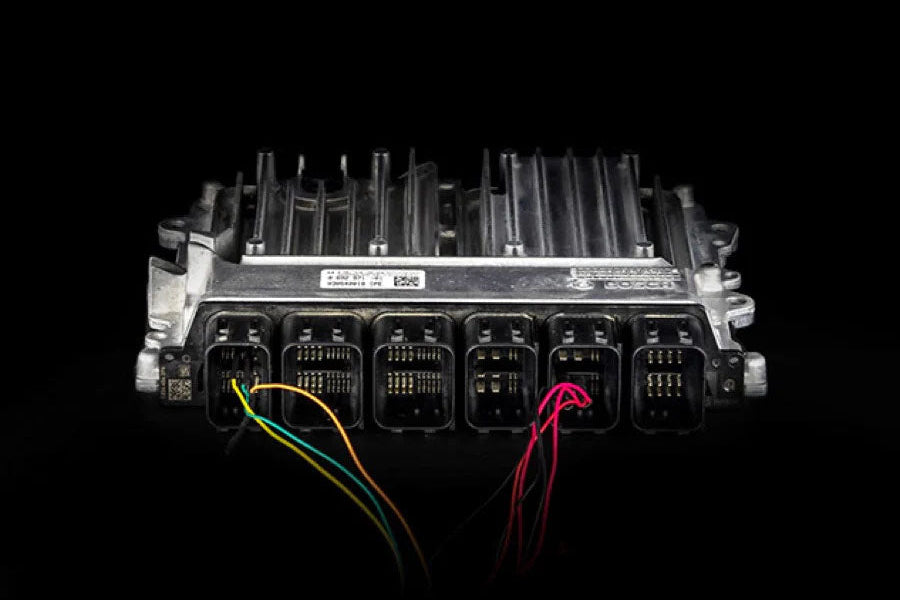
Bench
Bench mode provides you with a higher level of access by connecting directly to the controllers harness.
Flashing Method
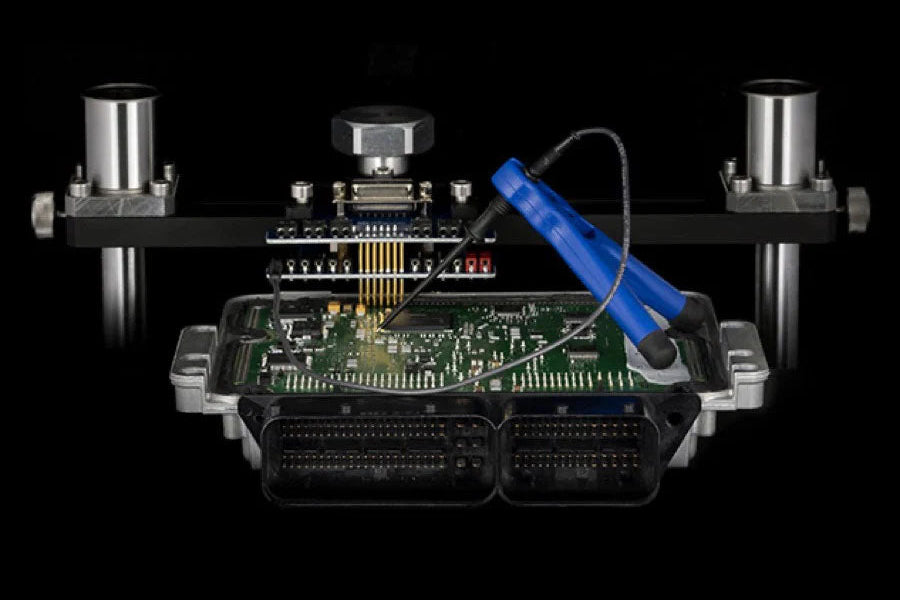
Boot
Boot mode provides the highest level of access by removing the controller, opening the case, and connecting directly to the circuit board.

Flashing Method
Mail-In Unlock
Some controllers have extreme security and must be mailed to one of our headquarters to be unlocked. Once this is done, depending on the controller, they can be programmed either via OBD, Bench, or both.
Learn more and see compatible vehicles:
OBD after Mail-In Unlock
Bench after Mail-In Unlock

Diagnostic method
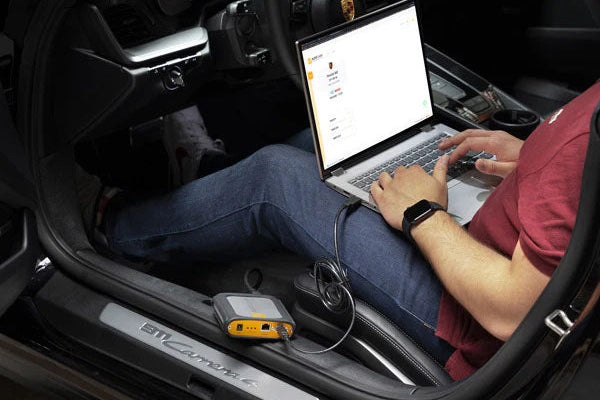
Datalogs
Real-time measurement and recording of engine parameters via OBD diagnostic socket. Start, record, and view the graph online.
Diagnostic method
DTC (Diagnostic Trouble Codes)
Reading and clearing of generic Diagnostic Trouble Codes (DTC) through the OBD port.
Special Operations
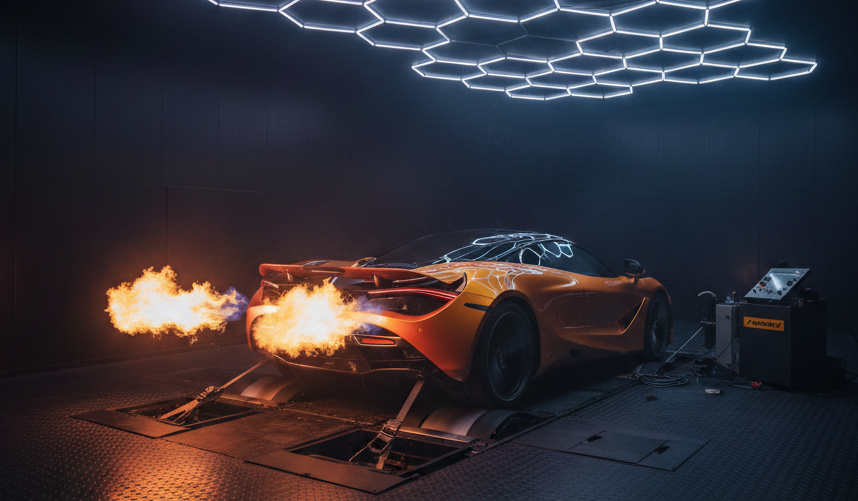
Dyno Mode
When using the McLaren Cable a Special Operation called "Dyno Mode" can be enabled testing your vehicle on a chassis dyno. Contact our support team when purchasing this cable to enable this mode.
Learn more about the McLaren Cable.


AutoTuner Tool
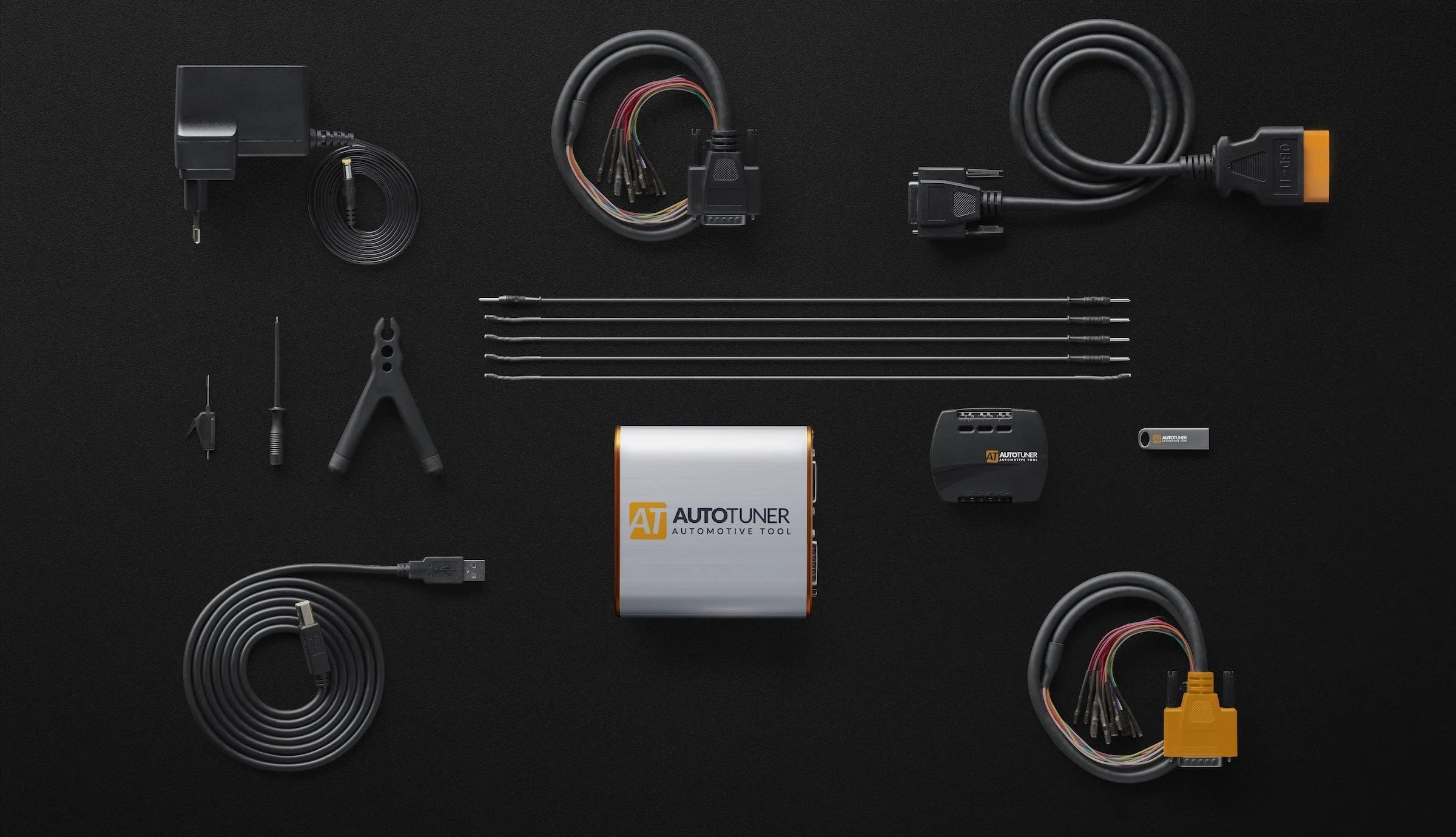
Your ready-to-use AutoTuner tool. 12V power adapter, USB connection, OBD, Bench and Boot accessories.
Cables
In addition to your OBD cable, the box contains 2 universal cables, one with micro pins and one for EDC16+ME(D)9 ECUs.
Accessories
The AutoTuner kit also includes banana cables, probe positioner kit and USB key that contains a link to download the AutoTuner software.
Technical details
AutoTuner in a nutshell? No subscription. Free updates. All accessories included in your case for an easy and intuitive use, and on Tool does has it all:
4.37" x 4.37" x 1.22"
111 mm x 111 mm x 31 mm
0.53 lb
240 g
AutoTuner Tool
English, French, German, Spanish, Italian, Chinese, Japanese, Korean, Dutch, Portuguese, Armenian, Russian, Arabic.
Virtual machines are not supported by AutoTuner
Our tool combines the latest technologies for efficient communication with the ECU, ultra-fast reading of memory content (internal or external flash and EEPROM) and automatic online backup of the TriCore password. That's right, nothing but the best.

12V power supply
It is important that you only use the power supply provided with your AutoTuner tool. And because we really want the best for you, the adapters for Europe, Australia, USA and UK are already included.
Advanced USB connection
We designed AutoTuner to last, namely thanks to a reinforced USB port
Boot/bench Connection
The box contains the two necessary cables (universal and universal EDC16/ME(D)9) for connection to all ECUs.
OBD connection
An armoured cable that meets manufacturer standard is included in the case.
Easy to use
Our AutoTuner Tool is incredibly user-friendly, allowing you to master it in seconds. Simply navigate just by choosing a vehicle, or searching for a protocol if you're an expert. Can't find what you need? Just ask! Our team is here to help.

Light mode

Dark mode
Slave or Master
Discover the difference between Master and Slave versions
Slave
Master
No
Yes
No
Yes
With a Slave tool you read and write crypted files. These files can only be modified by a specific Master. This Master is a file provider designated when you buy the tool. Your Slave tool is linked to this Master.
With a Master tool you get unencrypted files that you can edit yourself or send to any tuning files provider.
Any editing software that supports binary file can be used to modify a file read with AutoTuner.
Yes, you can upgrade your Slave tool to Master. The upgrade is available here. Note that the approval from your current Master is mandatory.
Yes, you can transfer to a new Master. The transfer is available here. Please note that the approval from your current Master is mandatory.
A link to download the software is available on the USB key within the AutoTuner box. You can also download it from our website.
There are 3 options for decrypting Slave files:

Our goal? To continuously provide new protocols, updates and features for you to enjoy immediately.